
Only active browsers are shown.
If only Chrome is open when ShortsFREE starts, Chrome usage is shown first. When Edge is opened, its recorded usage is connected and included in the total.
Watch only the Shorts you need, and block them when it's time to focus.
Shorts are short. The time they take from you isn't.
10min
30min
60min
That is why ShortsFREE does more than remind you. It actually blocks Shorts.
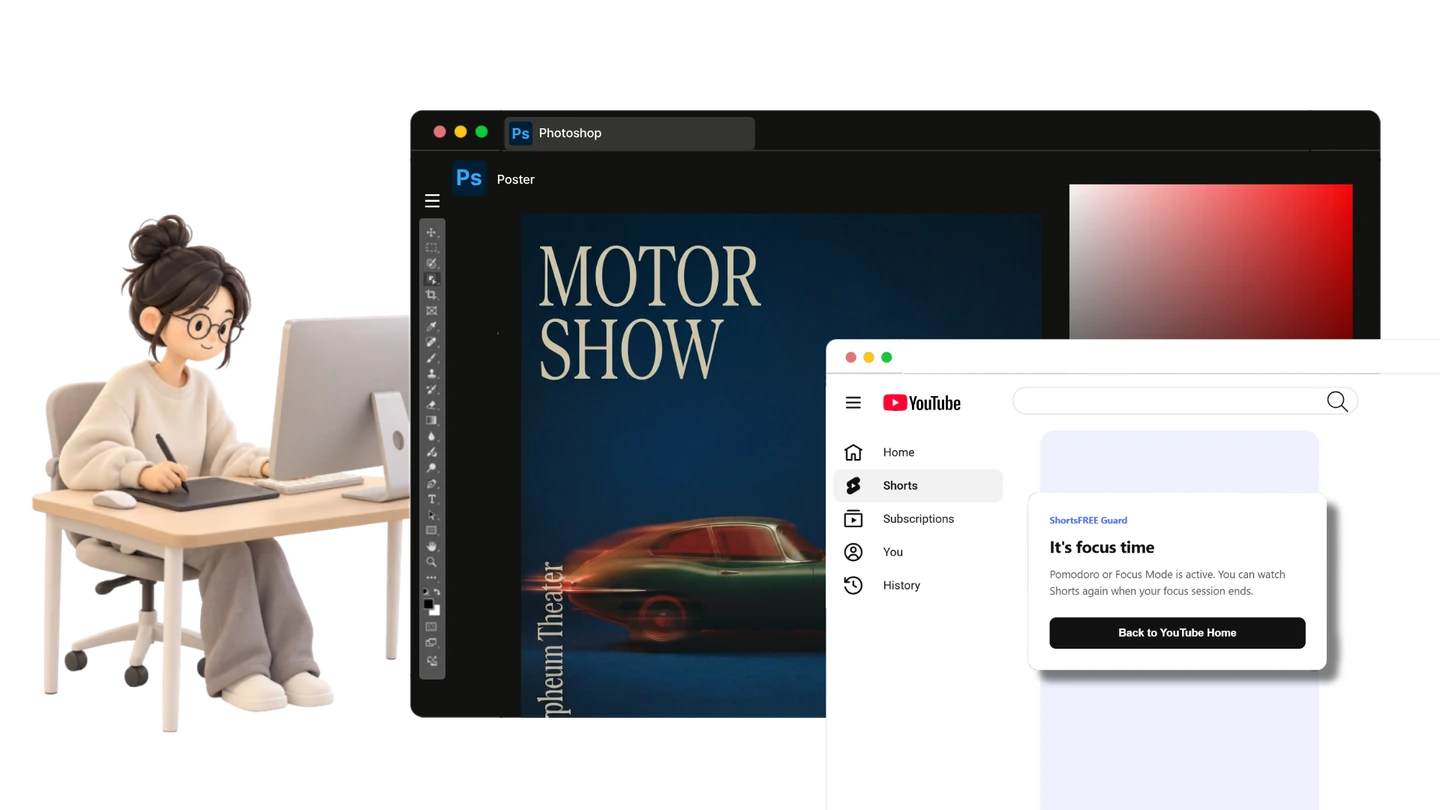
Stop Shorts before they break your focus.
I only meant to find one reference,but somehow watched Shorts for 40 minutes.
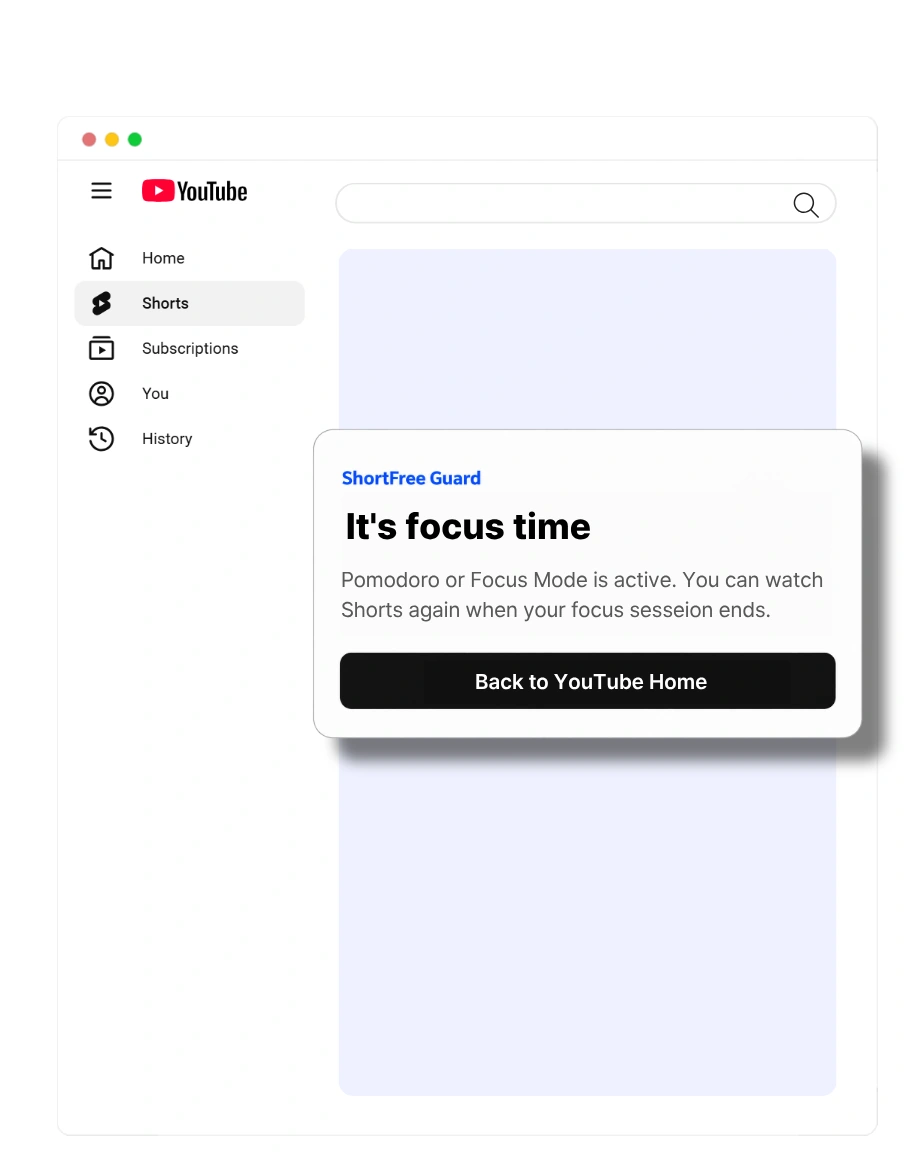
ShortsFREE stops Shorts on your computer so you can stay focused on your work.
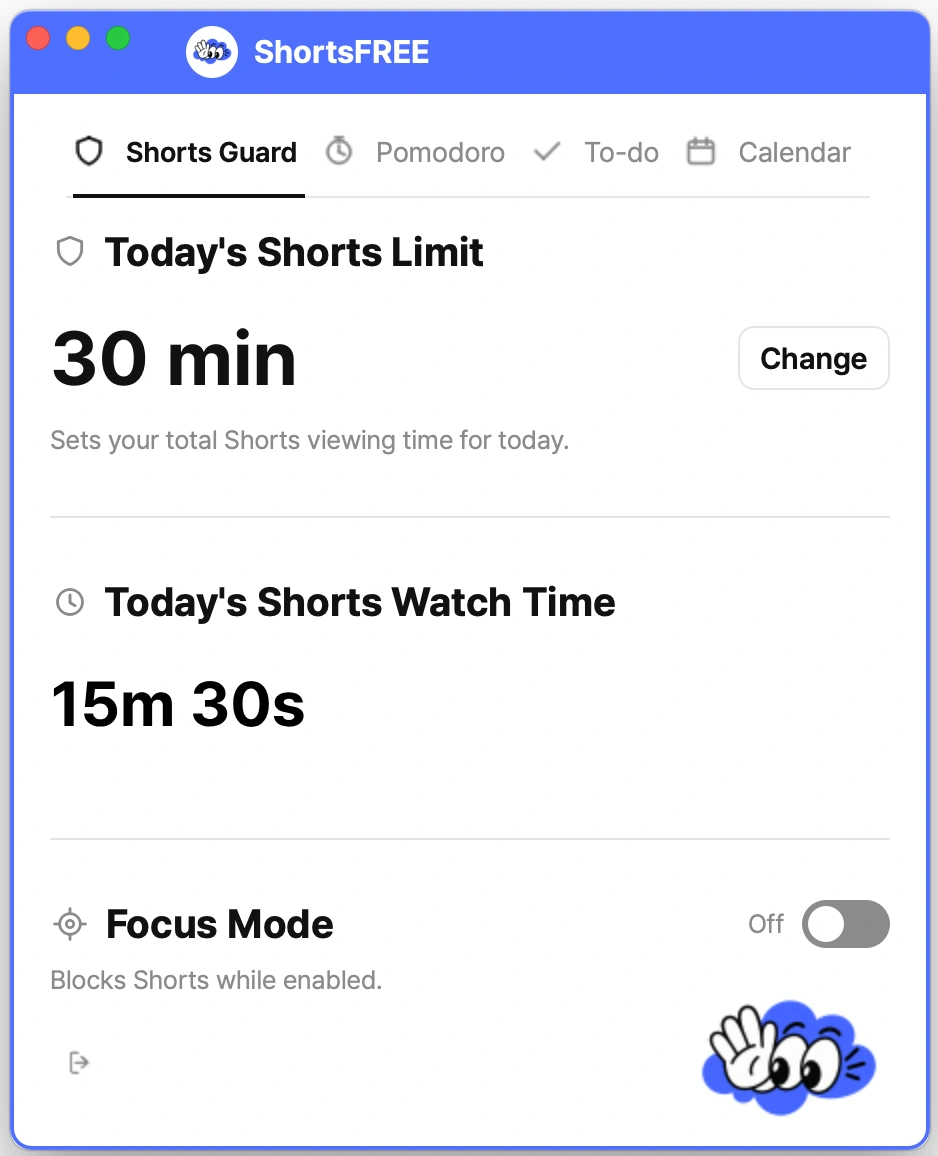
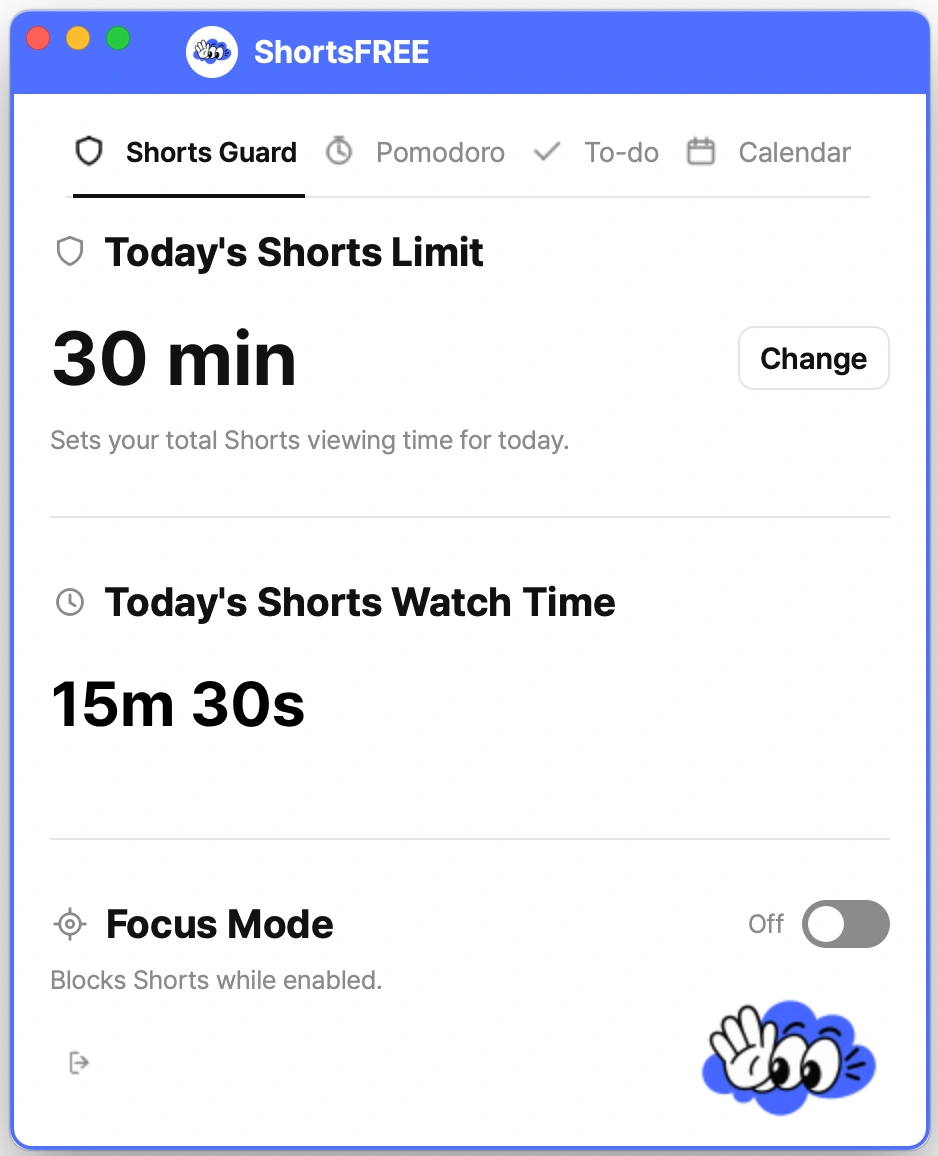
Shorts Guard
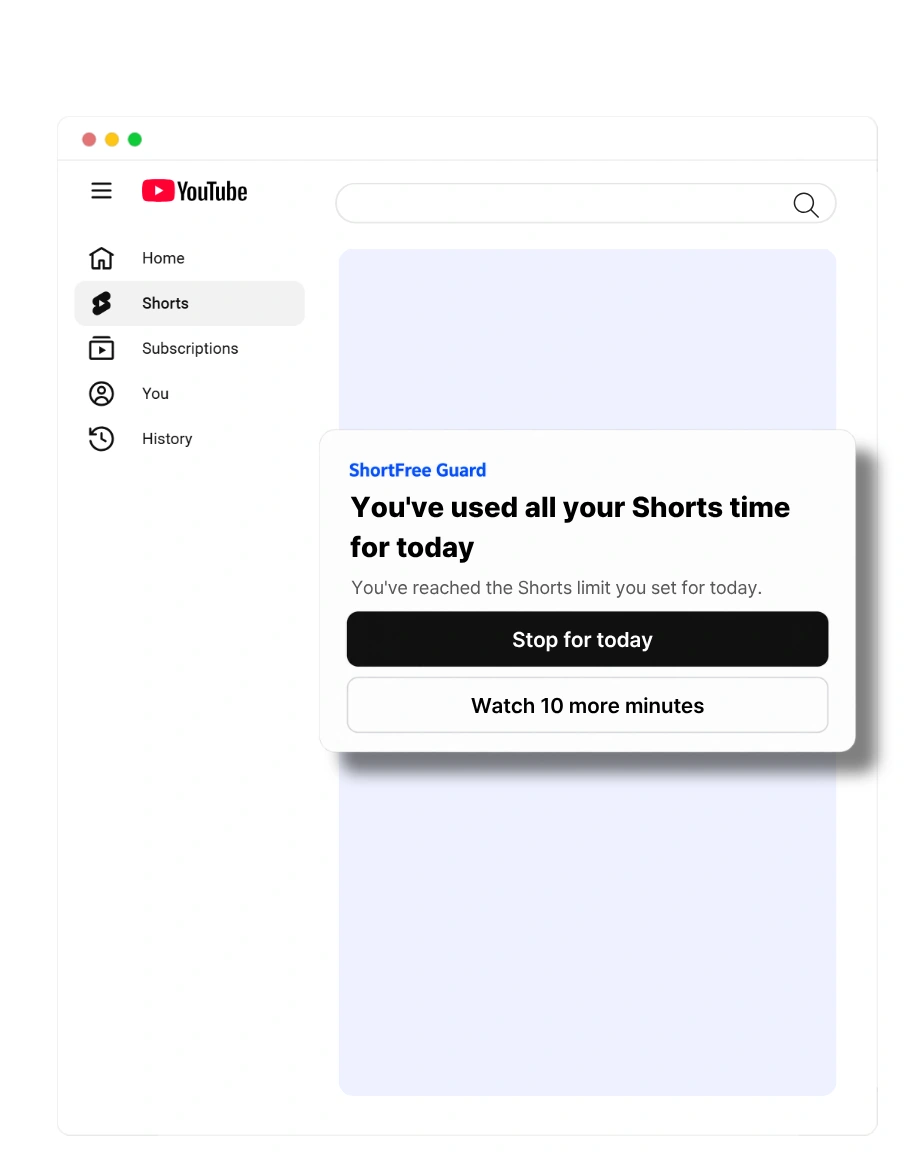
Set the time you want to watch, then block Shorts when it is up. When it is time to focus, block them right away.
Step 1
Decide how much time you want to spend on Shorts today.
Even if you use multiple browsers, ShortsFREE keeps your Shorts time connected in one place.


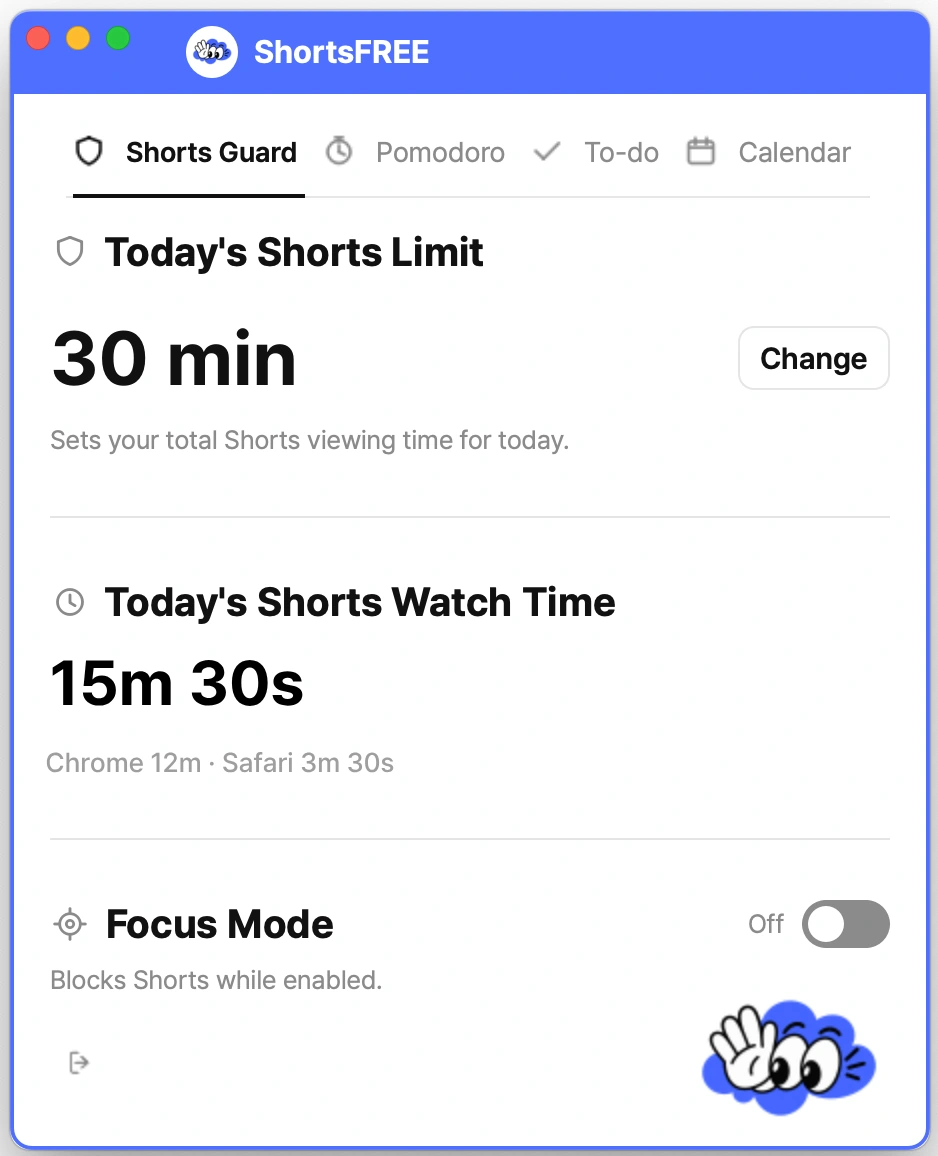
If only Chrome is open when ShortsFREE starts, Chrome usage is shown first. When Edge is opened, its recorded usage is connected and included in the total.
Time-limit alerts and real-time Shorts blocking work while the ShortsFREE Desktop App is running.
Shorts watched while ShortsFREE is closed are still recorded. When you open the app again, the recorded usage is added and reflected.
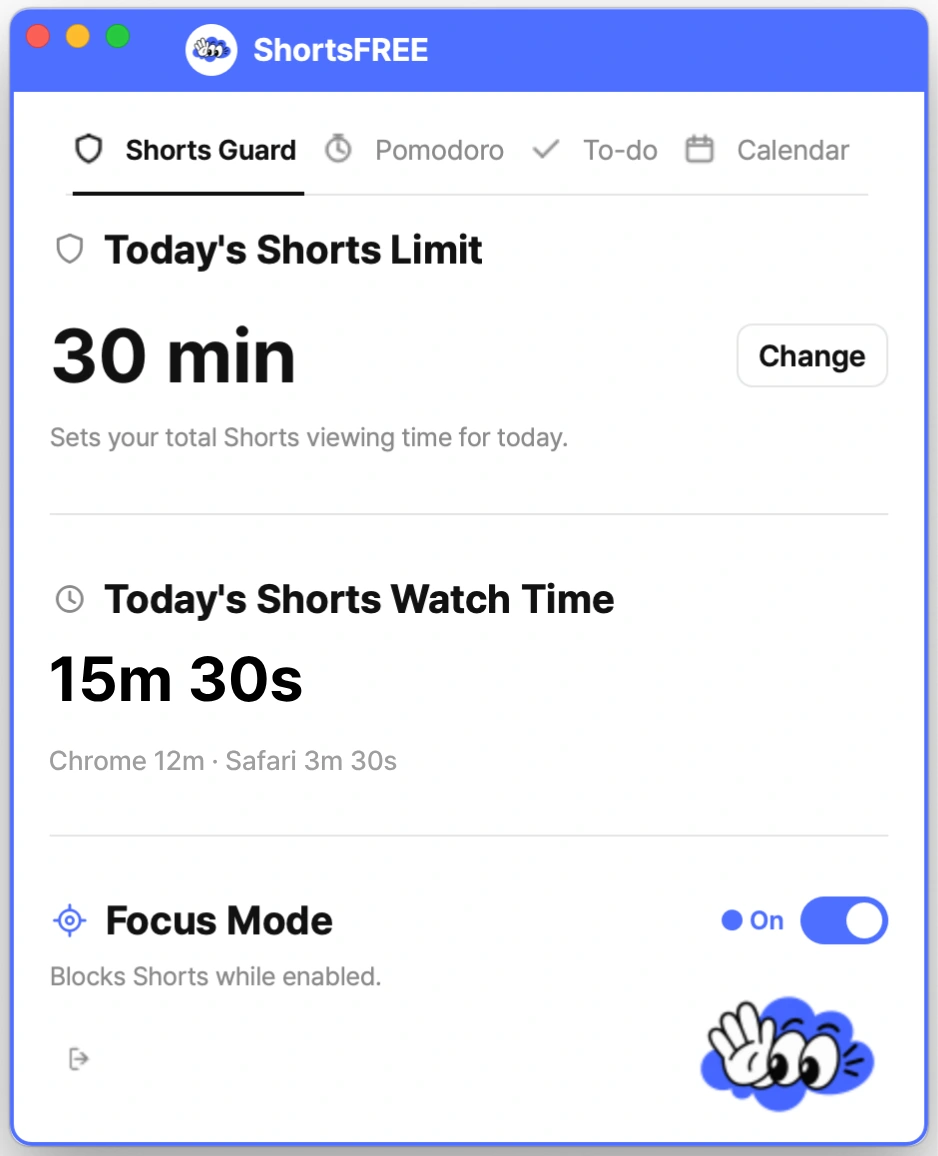
Starting Pomodoro automatically turns on Focus Mode to block Shorts. You can also use Focus Mode on its own whenever you need it.
Step 1
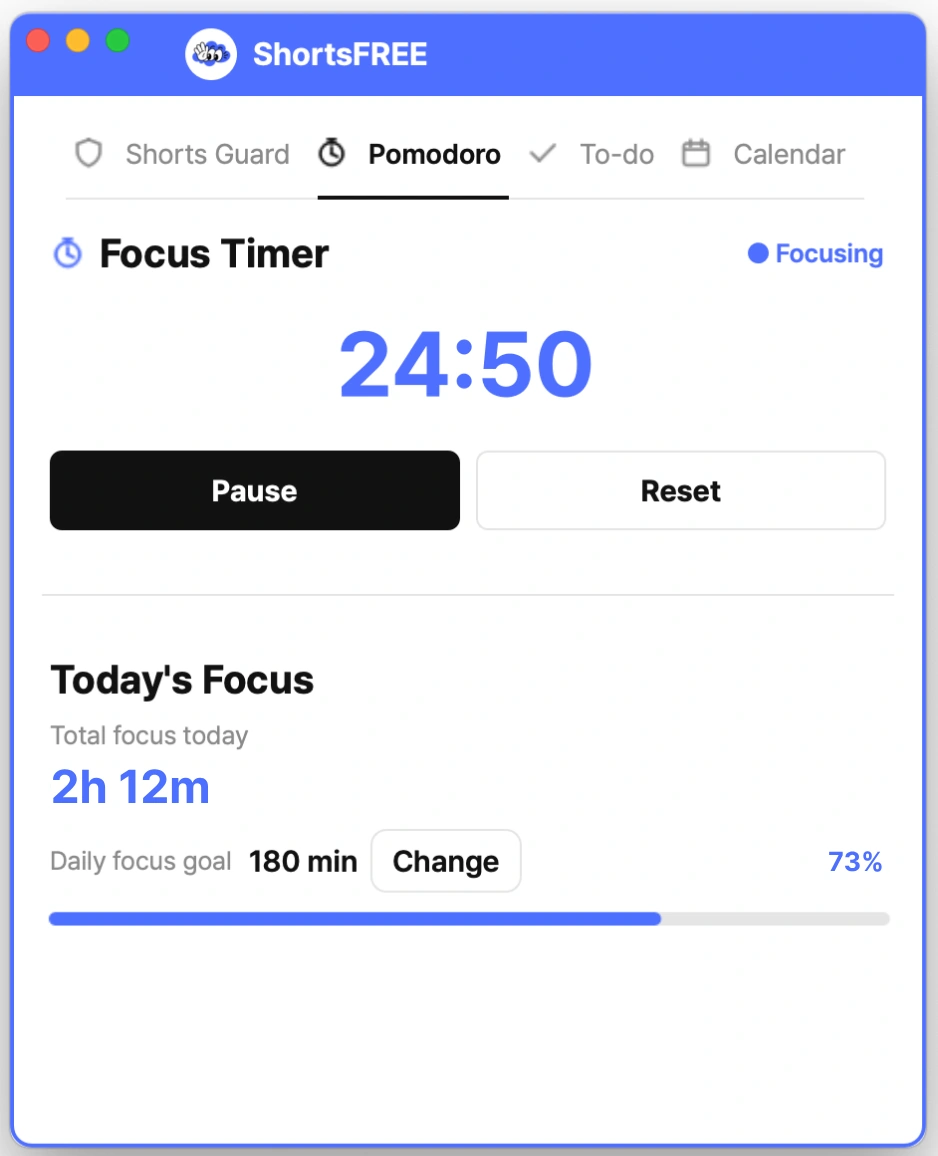
Start the timer to begin your focus session. Focus Mode turns on automatically with it.
Step 2
While Pomodoro is running, Shorts are blocked automatically. You can also turn on Focus Mode by itself whenever you need it.
Step 3
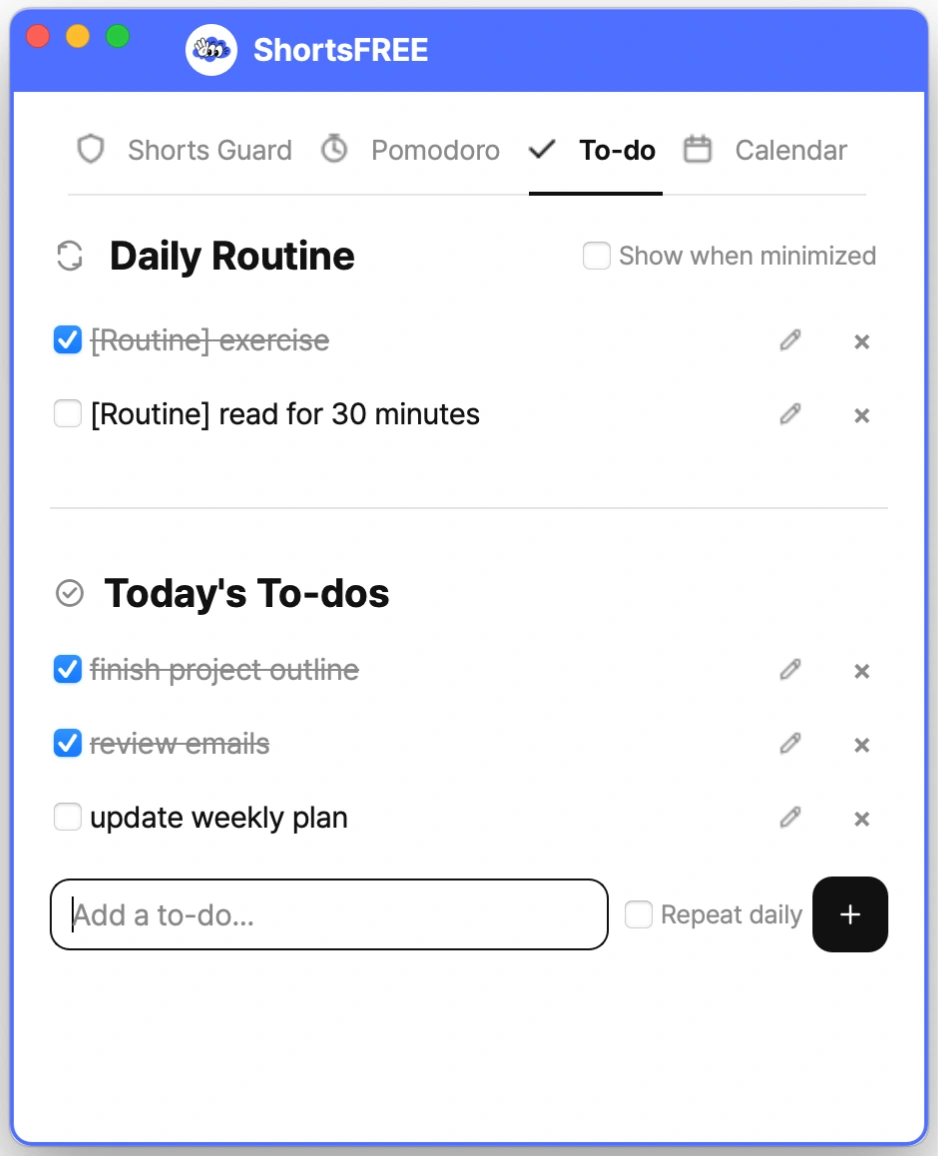
Connect your focus time to real tasks and finish what you need to do today.
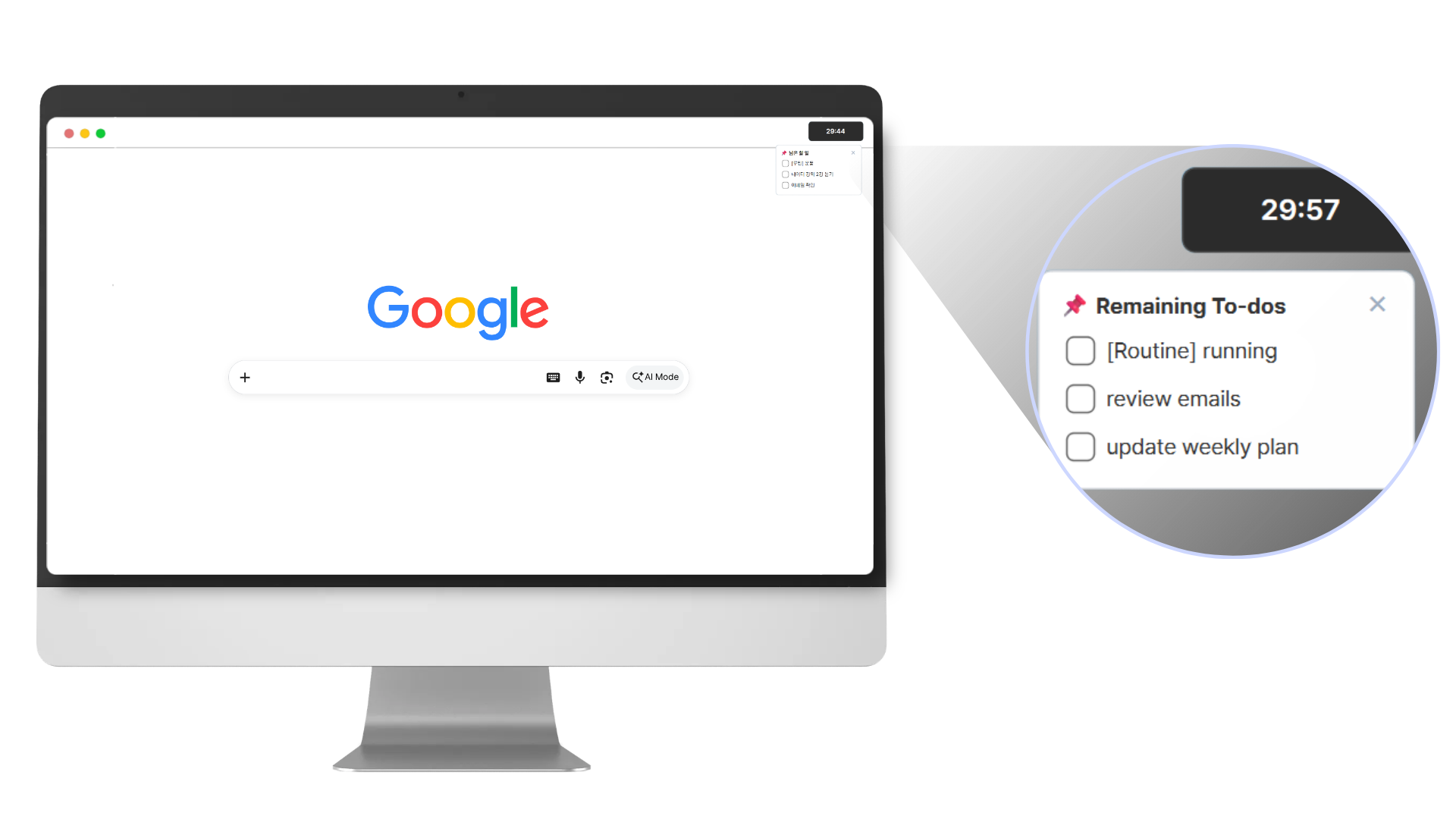
FLOATING MODE
ShortsFREE always stays in front of your browser windows, making it easy to check your timer and tasks.When minimized, essential information stays visible in the top-right corner of your screen.
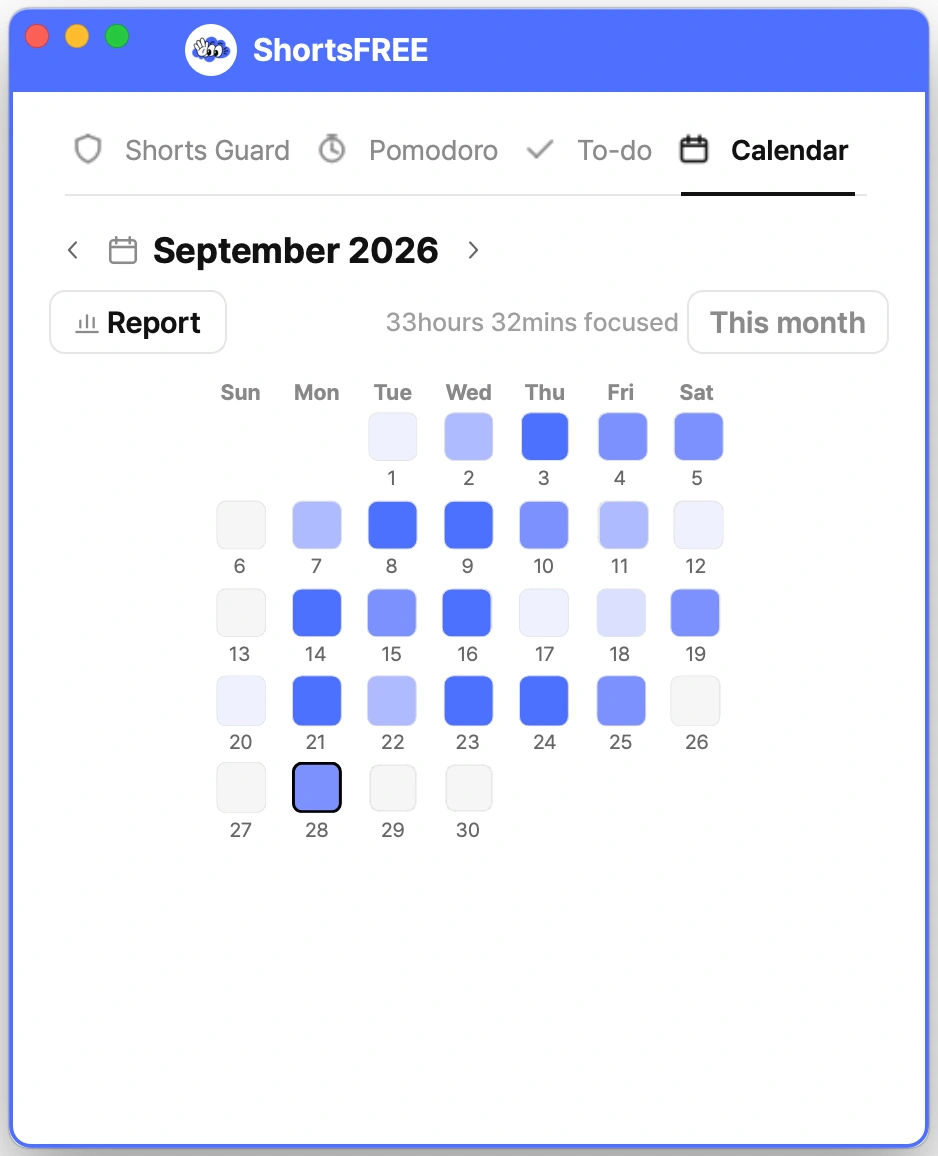
See your focus time and completed tasks at a glance in Calendar.
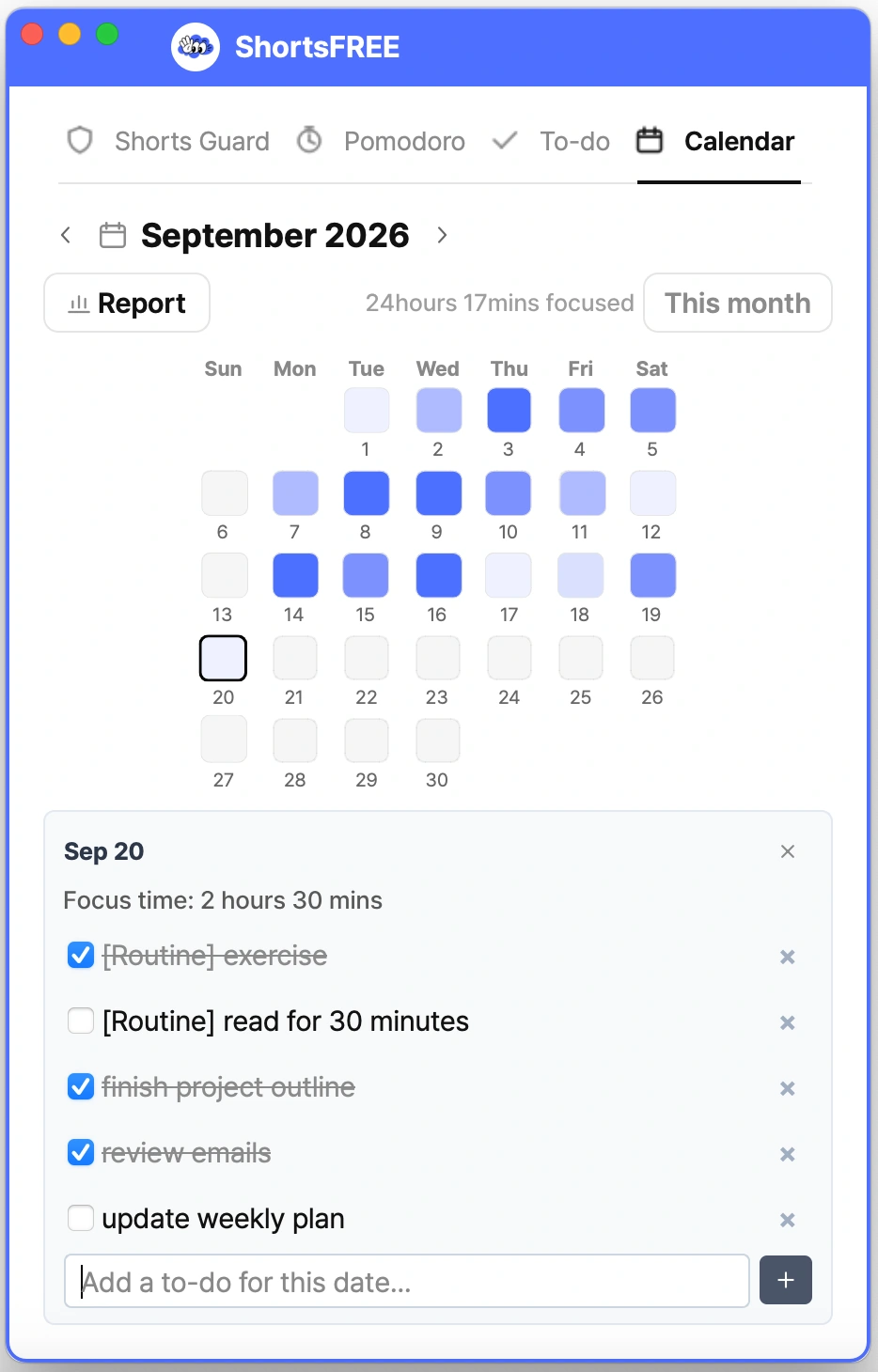
See each day in detail.
PRODUCTIVITY REPORTS
Track your growing focus records and revisit them with regular reports.
Open weekly and monthly reports anytime to review your accumulated focus records.
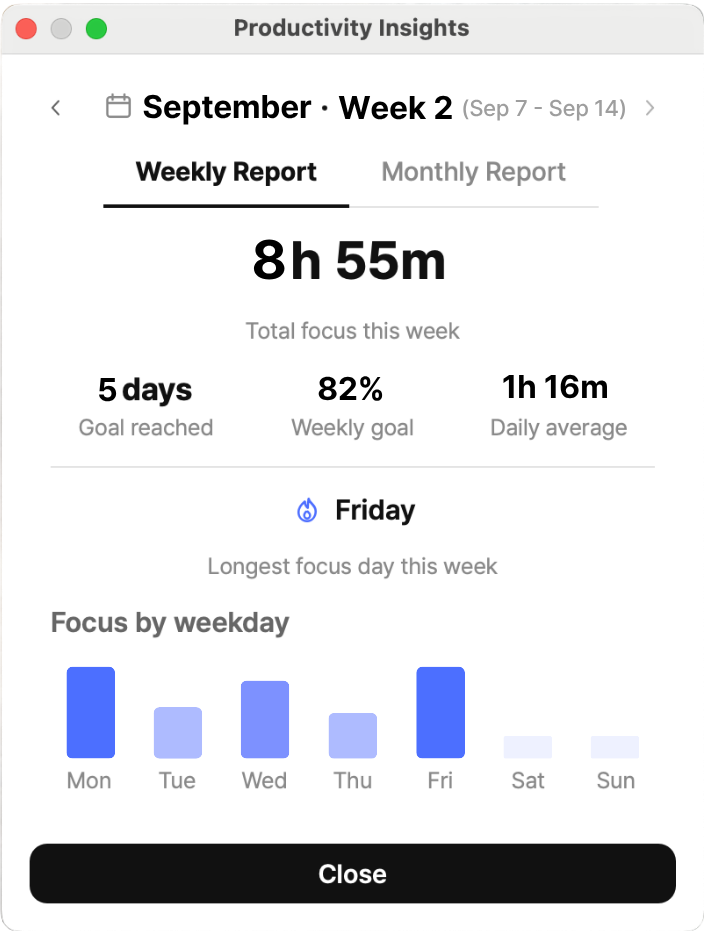
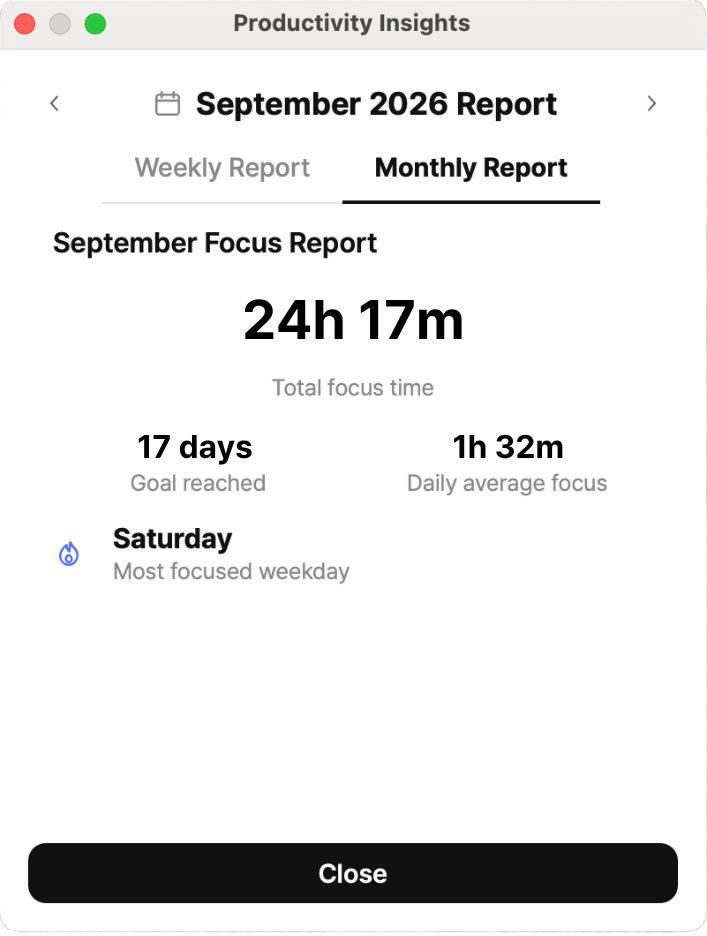
SCHEDULED INSIGHT POPUP
Every Monday and on the first day of each month, a popup recap helps you look back on your records with a short insight.
Sync your Shorts usage, focus records, and tasks to your account and continue across devices.
Get started with ShortsFREE on Windows and macOS.
Buy ShortsFREEWindows · macOS · Chrome · Edge · Safari · Firefox